

Blog
How Many Samsung Tablets Do You Need for a Trade Show Booth?
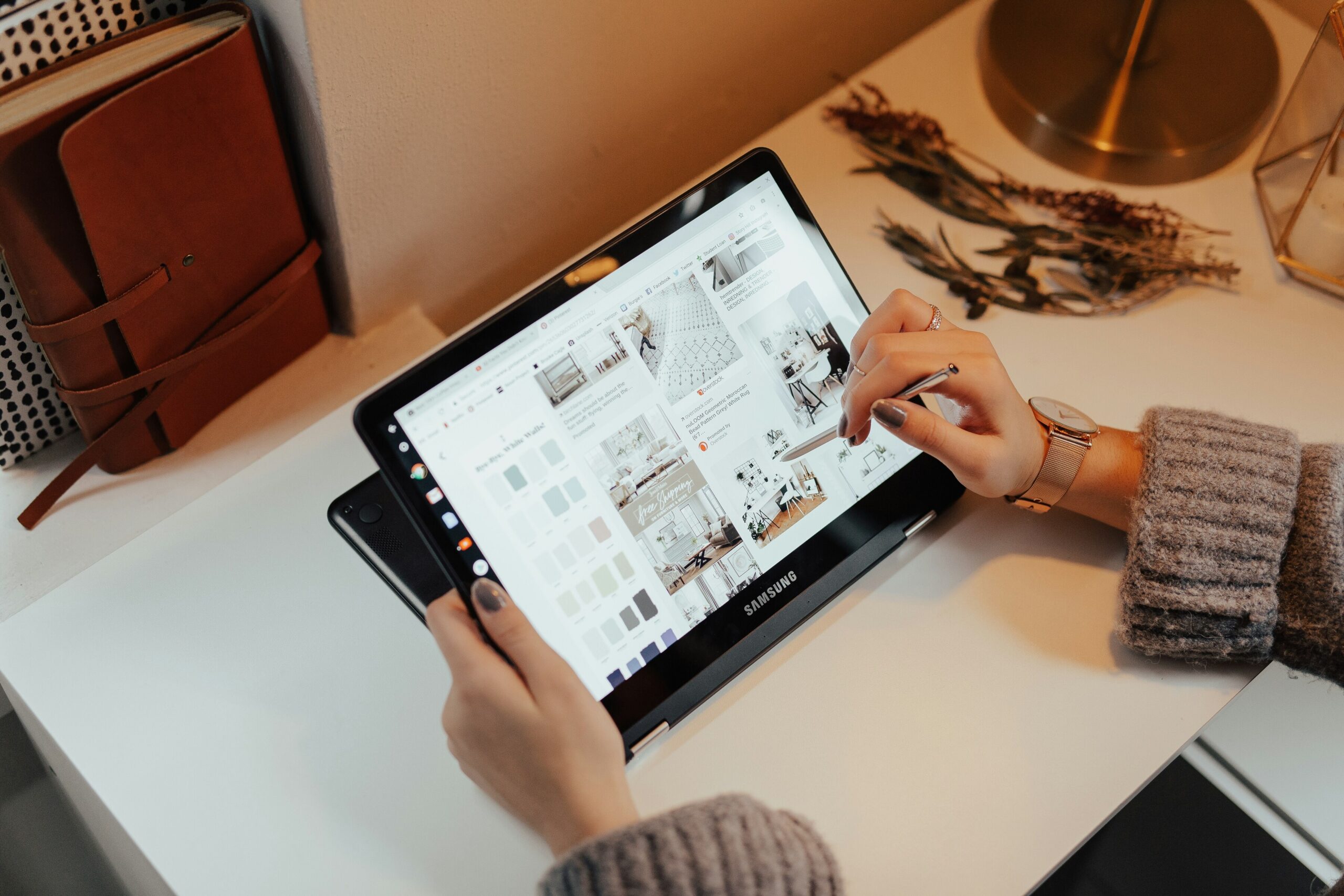
Imagine the show floor opens, the aisles fill up, and your only tablet is stuck in a queue of five people waiting to scan a badge.
That is the problem a good tablet count solves. Too few and visitors drift away. Too many and your sales team spends the day babysitting devices instead of talking to people.
The Tekk Group’s tablet hire service supplies pre-configured tablets for exhibitors, including the Samsung Galaxy Tab range, delivered ready to use.
This guide shows you how to work out the right number for your booth, your visitors, and your team.
The Quick Answer: Start With Booth Size and Staffing
Two things set your baseline. How big your booth is, and how many people you have on it.
A standard 10×10 booth usually works well with 2 to 4 tablets. A busy stand at a major show tends to need 3 to 5, plus a spare. A large or island booth often runs 6 to 10.
From there, adjust for visitor volume and how long each demo takes.
Whether you run a Samsung setup or an iPad kiosk, the counting logic is the same. Count the jobs, not the hardware.
A Quick Sizing Guide by Booth Type
Use this as a starting point before you adjust for your own show.
| Booth Type | Suggested Tablets | Typical Jobs |
|---|---|---|
| Small 10×10, light traffic | 2 to 3 | Lead capture, one product video |
| Standard 10×10, steady traffic | 3 to 4 | Lead capture, demos, feedback |
| Busy booth at a major show | 3 to 5 plus a spare | Demos, lead capture, queue relief |
| Large or island booth | 6 to 10 | Several demo zones, a self-service kiosk, lead capture |
These numbers are rules of thumb, not rules. Your show, your audience, and your team will move them up or down.
What Changes Your Tablet Count
Booth Size and Layout
The physical layout of the booth limits how many tablets you can support without creating a bottleneck.
A compact booth can handle fewer stations before the aisle backs up. A larger booth can spread tablets across zones so visitors never crowd one spot.
Visitor Volume
High visitor volumes increase the need for multiple tablet stations.
A good rule is one interactive tablet for every one to two visitors engaging at the same time. Watch your traffic patterns, and place tablets where people naturally pause.
Demo Length and Complexity
A thirty-second lead form turns over fast. A guided product demo does not.
Expect longer interaction times for complex demos, and add tablets so one long conversation does not block everyone else.
Staffing Levels
A good rule of thumb is one to two tablets per scheduled booth staff member.
Match your tablet deployment to your staffing. When people and devices are out of balance, presentations get confusing and potential leads walk past.
Backup Tablets
Trade shows often need a backup tablet to manage technical failures.
Keep one configured spare on the booth, charged and ready. Swapping a device takes seconds. Fixing one in the middle of a rush does not.
Give Every Tablet a Job
The easiest way to land on the right number is to assign each tablet a task.
- Lead capture: One or two tablets at the front of the booth, where visitors enter their details, and your team gets a clean record.
- Product demos: One tablet per demo station, so a visitor can watch one video or explore a feature without waiting.
- Self-service kiosk: A dedicated tablet on a stand for visitors who prefer to browse alone.
- Feedback and surveys: A small, quick survey tablet near the exit to collect comments before people leave.
Tablet allocation should follow the use case. A tablet with no job quickly becomes a charging cable on a table.
A Worked Example
Numbers make this easier, so here are two booths.
A standard 10×10 booth with three staff at a busy show might use one tablet for lead capture, one for a product demo, and one for feedback. Add a spare, and that is four tablets.
A large island booth with eight staff might use two tablets for lead capture, four for demo stations, one self-service kiosk, and one for surveys. Add one or two spares, and that lands at nine or ten.
Your own count will differ, but the method holds. List the jobs, match them to your staff, then add a backup.
Which Samsung Tablet Fits the Job
Not every task needs the same hardware.
The Galaxy Tab A8 and A7 are lightweight, easy to carry, and well suited to lead capture, check-in, and surveys, especially when you need a larger number of devices. The Galaxy Tab S6 has an AMOLED display, which makes product imagery and video look noticeably sharper, so it suits demo and showcase stations.
If you are weighing Samsung against a Windows device for software-heavy demos, our post on choosing between Android and Windows tablets explains the difference in plain terms.
Floor Stands, Countertop Stands and Security
A tablet on a bare table is easy to knock over and easier to walk off with.
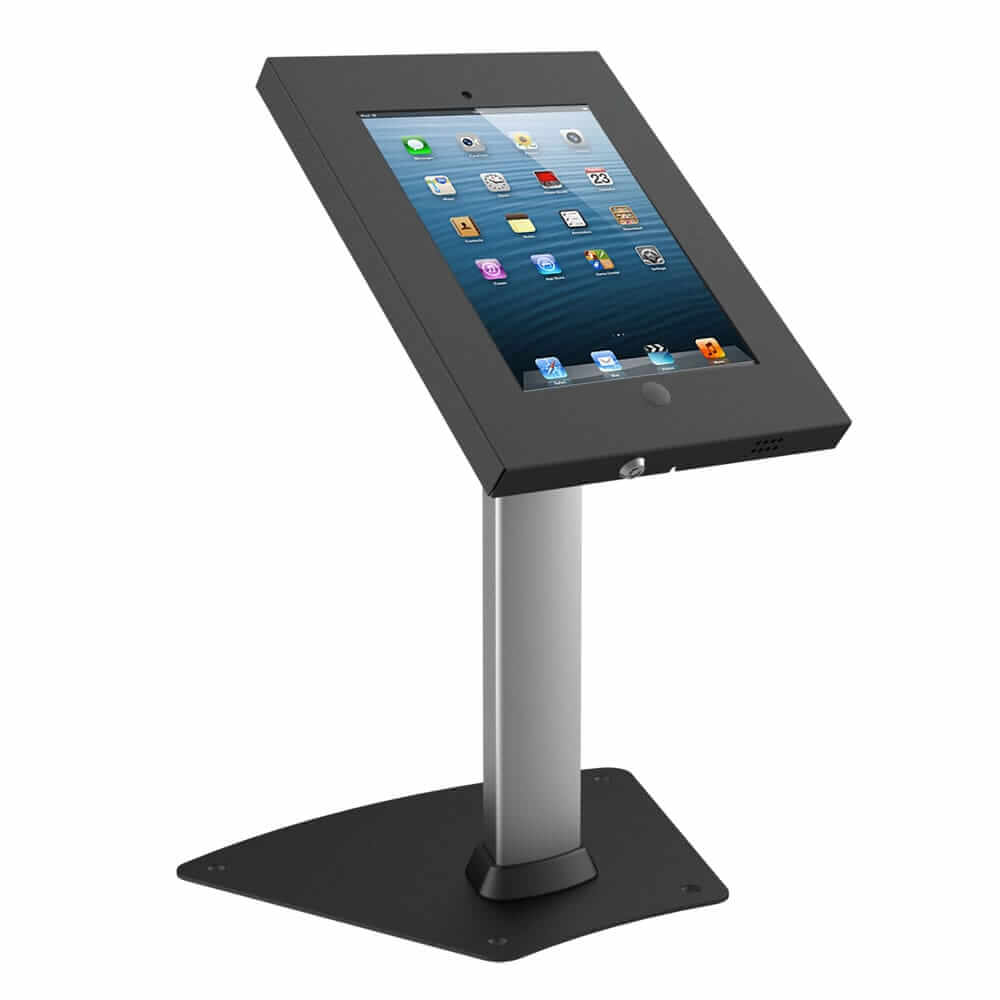
Secure tablet stands protect the device and keep the screen at a comfortable angle. Locking stands and mounts also guard against theft and tampering, which matters in a busy hall.
Floor stands suit standing, walk-up interactions near the aisle. Countertop stands suit staffed demos at a table. Many booths use both.
Our kiosks and wayfinding solutions include floor-standing and countertop options, so the stand arrives together with the tablet.
A compact, portable stand is also easier to carry between shows if you reuse your setup.
Lock the Tablet to Your App
A visitor should see your content, not the settings menu.
Samsung tablets can be locked to a single app using kiosk mode. Samsung’s own Knox tools let you convert a Galaxy tablet into a dedicated device that restricts access to the apps you choose, in single-app or multi-app mode (Samsung Knox documentation).
Android also includes screen pinning for a basic one-app lock.
With the lock in place, visitors cannot wander into games or other apps, and the tablet stays on task all day.
Plan for Unreliable Booth Wi-Fi
Exhibition hall Wi-Fi is often congested, especially during peak hours.
Configure your lead capture app to work offline and sync later. That way, a dropped connection never loses you a lead.
If your booth needs a steady connection, a dedicated 4G MiFi router keeps your tablets independent of the venue network.
Tablets Should Help People Talk, Not Replace Them
The best booths use event technology to start conversations, not to replace them.
A tablet can replace paper brochures with something visitors can tap, watch, and send to themselves. It can show a product video on a sleek display while your team talks through the details.
For loud halls, a pair of headphones at a demo station lets visitors hear the video without the noise around them.
Keep your people close. A tablet draws visitors in, and a good conversation closes the sale.
Common Mistakes to Avoid
A few small slips cause most booth tablet problems.
- Buying or renting for the quietest hour instead of the busiest one.
- Putting every tablet at the front, so visitors bunch up at the aisle.
- Leaving tablets unlocked, so visitors can open other apps.
- Skipping the spare, then losing a station to a dead battery.
- Forgetting to test the lead capture flow offline.
Booth Setup Checklist
Run through these steps before the doors open.
- Count your staff and your busiest hour, then set your starting tablet number.
- Assign each tablet a job, such as lead capture, demo, kiosk, or feedback.
- Add at least one configured spare.
- Mount each tablet on a secure floor or countertop stand.
- Lock each tablet to its app and check that it works offline.
- Test every station from the visitor’s side, then charge everything overnight.
How The Tekk Group Helps You Get the Count Right
We supply Samsung Galaxy tablets, pre-loaded with your lead capture app and branding, and configured with kiosk mode before they leave our facility. Floor-standing kiosk enclosures, countertop stands, and lockable security stands can ship in the same delivery. For larger shows, our technicians can set up on site.
Here is what working with us looks like:
- Tell us your booth size, show dates, and how many staff you will have.
- We recommend a tablet count and a mix of stands, including a spare.
- We configure every tablet with your app, branding, and lock settings.
- We deliver everything together, with on-site support for larger shows.
- You return the equipment when the show ends, and we handle the rest.
Whether you need a pair of tablets for a small stand or a full set for a large booth, The Tekk Group has the hardware and event experience to help your booth stand out. Get a quote today and let us help you plan your tablet setup with confidence.
Frequently Asked Questions
How many tablets do I need for a 10×10 trade show booth?
Most 10×10 booths work well with 2 to 4 tablets. Add a spare, and go higher if your booth is in a busy part of the hall.
How many tablets should I plan per booth staff member?
A good rule of thumb is one to two tablets per scheduled staff member, adjusted for how many visitors you expect at once.
Do I really need a backup tablet?
Yes. A configured spare lets you swap a failed device in seconds, so a technical fault never stops your lead capture.
Which Samsung tablet is best for product demos?
A Galaxy Tab S model suits demos, since its AMOLED display makes images and video look sharper. A Galaxy Tab A model suits lead capture and surveys.
Can lead capture work if the venue Wi-Fi drops?
Yes, if the app is set to work offline and sync later. Test this before the show, not during it.
Can tablets replace printed brochures at a booth?
Largely, yes. Visitors can tap through content and send it to themselves, though many booths keep a small set of printed pieces for those who prefer paper.
Categories
- Coronavirus (4)
- Event Technology (8)
- Events (3)
- iPads (2)
- Laptop (2)
- Partership (1)
- Phone (1)
- Printer (1)
- Screen (1)
- Tablets (2)
- Uncategorized (30)
- VR & AR (1)
Recent Posts

How Many Laptops Do You Need for a Hackathon?
iPad Floor Stand or Desktop Stand: Which Should You Rent?
